Q1: How to pair Bridges?
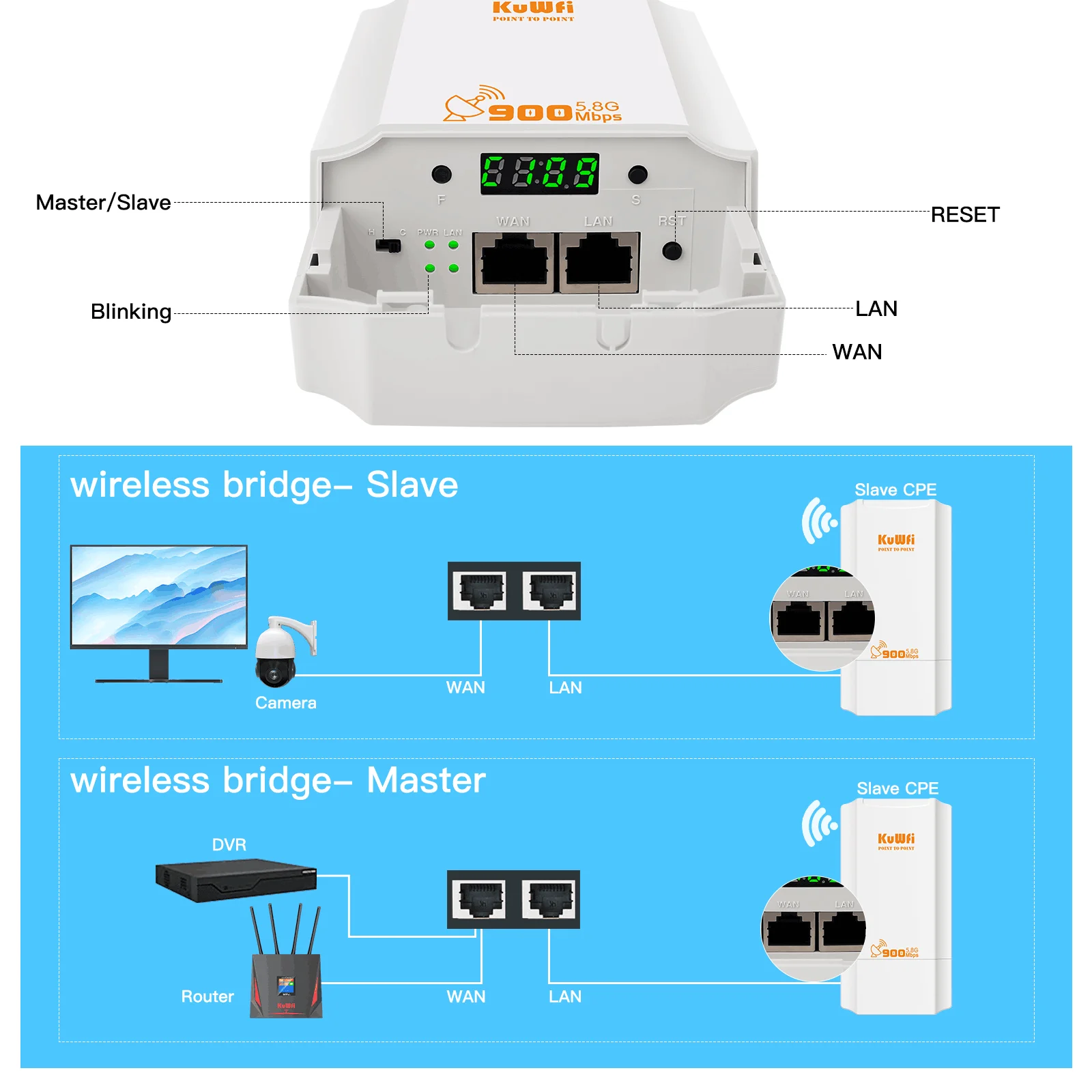
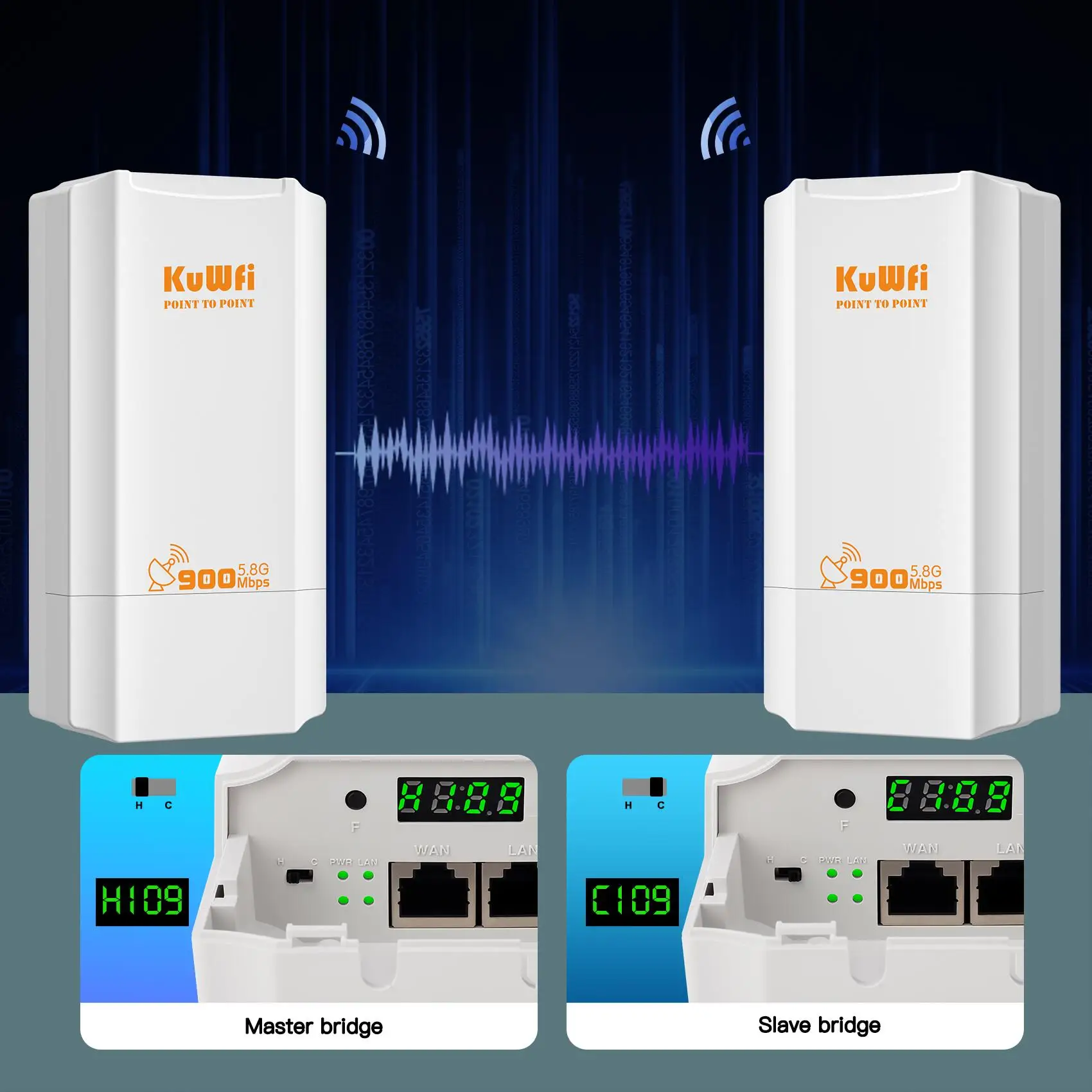
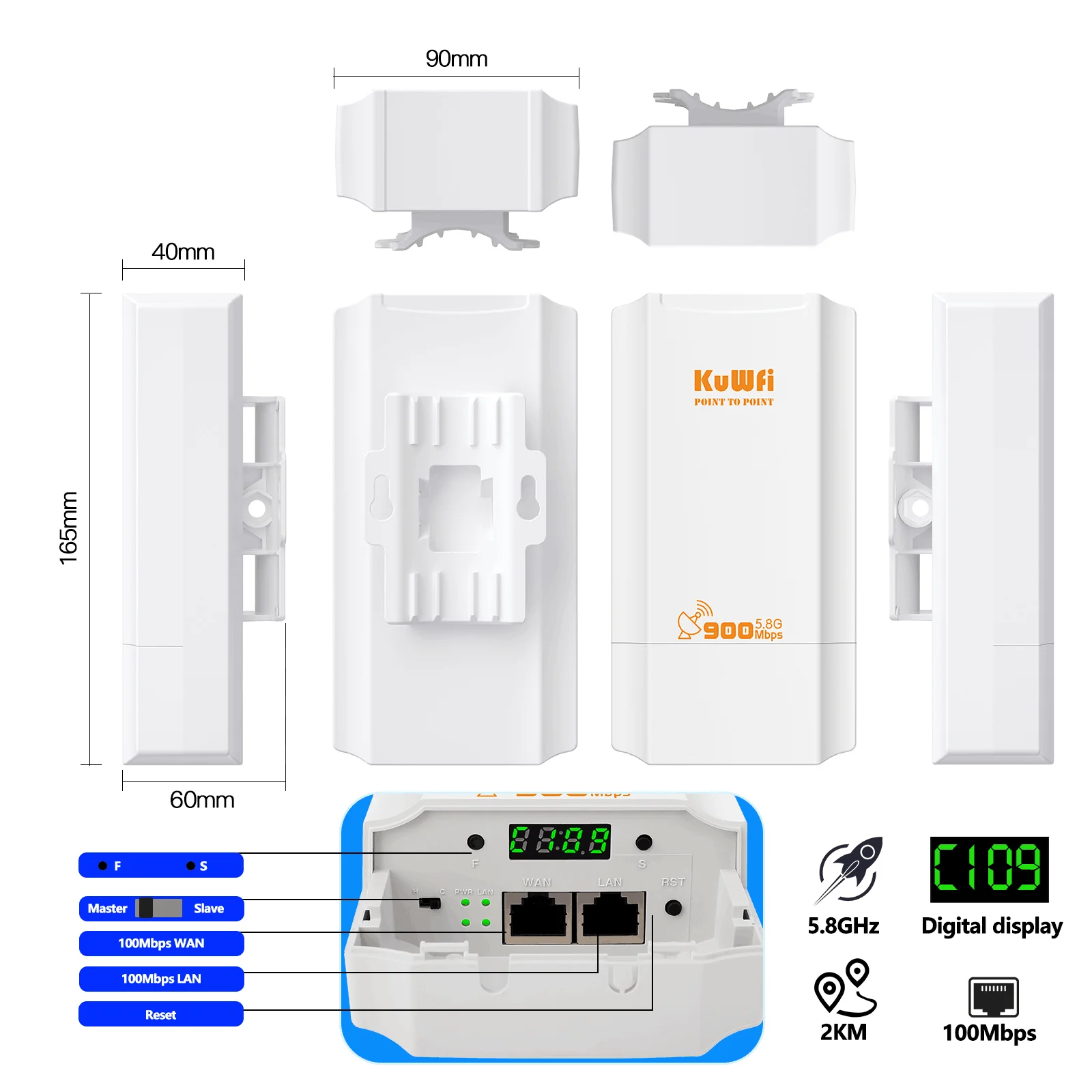
A1: If you need to expand the wifi signal, you must first pair the two Bridges and then secure them to the designated place.Set one of the Bridges as the Master Bridge and move the switch on the bridge to the "H" end.The other Bridge is set as the Slave Bridge, and the switch on the bridge is moved to the "C" end.
Then you need to press the "RST" button of both Bridges at the same time for one second, and the Bridges will automatically pair.
Q2: i can not log in web ui page for the bridge?
A2: If you need to manage the bridge, you can use a computer wired connect or smartphone wifi connect to the bridge.Then set a static IP address for the network to access the WEB UI page.
You can set static ip address type 192.168.188.10 and Subnet mask type 255.255.255.0.And then you can log in web ui page 192.168.188.253 in browser.
After setting is complete, the IP address must be restored to its initial setting. Otherwise your device cannot access the Internet.
Q3: Outdoor wi-fi bridge is less than described distance?
A3: The transmission distance is affected by many factors, such as local network conditions, buildings, trees, etc.,maybe it cannot reach described distance.
Q4: The bridge Wi-Fi signal is weak or the transmission distance is short?
A4: Adjusting the wifi protocol and bandwidth of the bridge will give you different network speeds and different transmission distances. You need to continuously debug to the best state for different environments and requirements.
Q5: Does the bridge support 360-degree signal transmission?
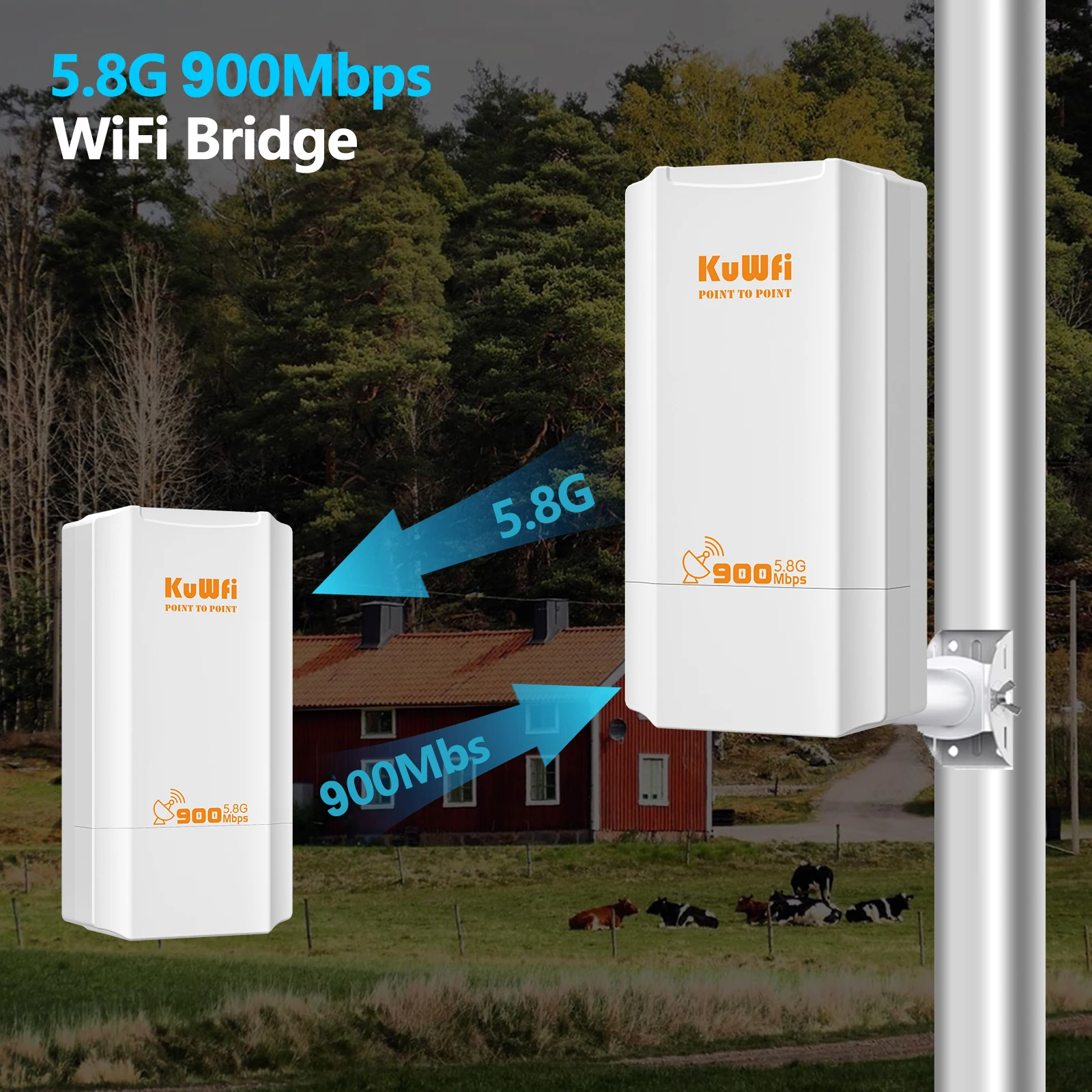
A5:The bridge uses panel antennas, so it does not support 360-degree transmission. It is recommended that when installing, the two Bridges are face to face, which can improve the stability of Wi-fi signal transmission.
Q6: Can't find a Wi-Fi signal?
A6: Since each country supports different Wifi channels, I suggest you log into the WEB UI page to change the region of Wifi signal or use another channel.
Q7: Outdoor wi-fi bridge is not powered
A7: Please connect product's WAN or POE port with adapter's POE port.If connect correctly ,still not power ,please change the adapter and rj45 lan cable to try.
Tips:
1.if you buy one pcs ,it does not have package box,please do not worry damaged in transit,we pack it very well
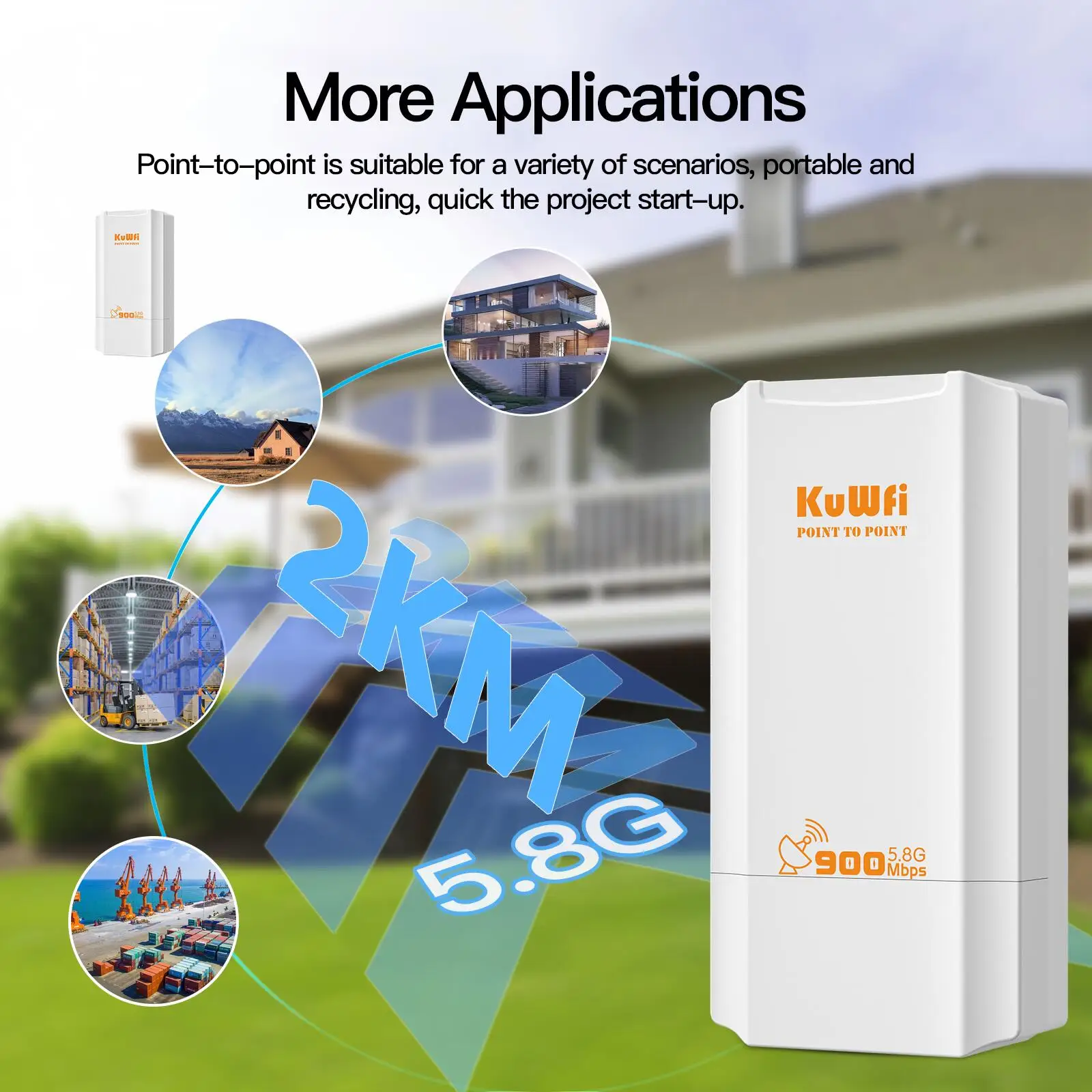
2.PTP/PTMP up to 2KM distance (we test it)
The transmission distance is affected by many factors, such as local network conditions, buildings, trees, etc.,maybe it cannot reach 2KM,but please understand.
if you want to reach long distance wifi coverage,we suggest that you buy 2pcs ,thanks!
3.WAN connects to PoE, LAN connects to other devices
Description:
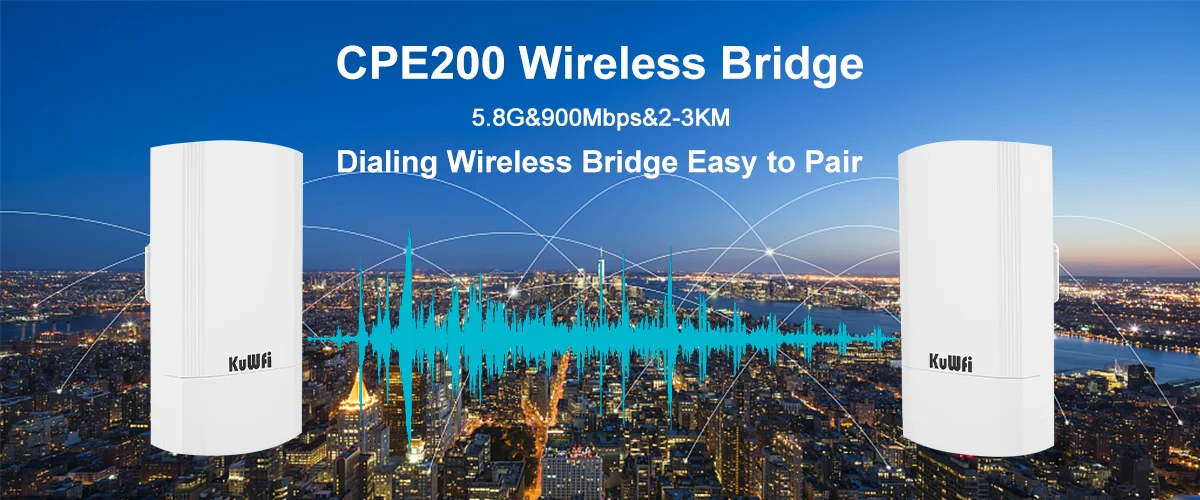
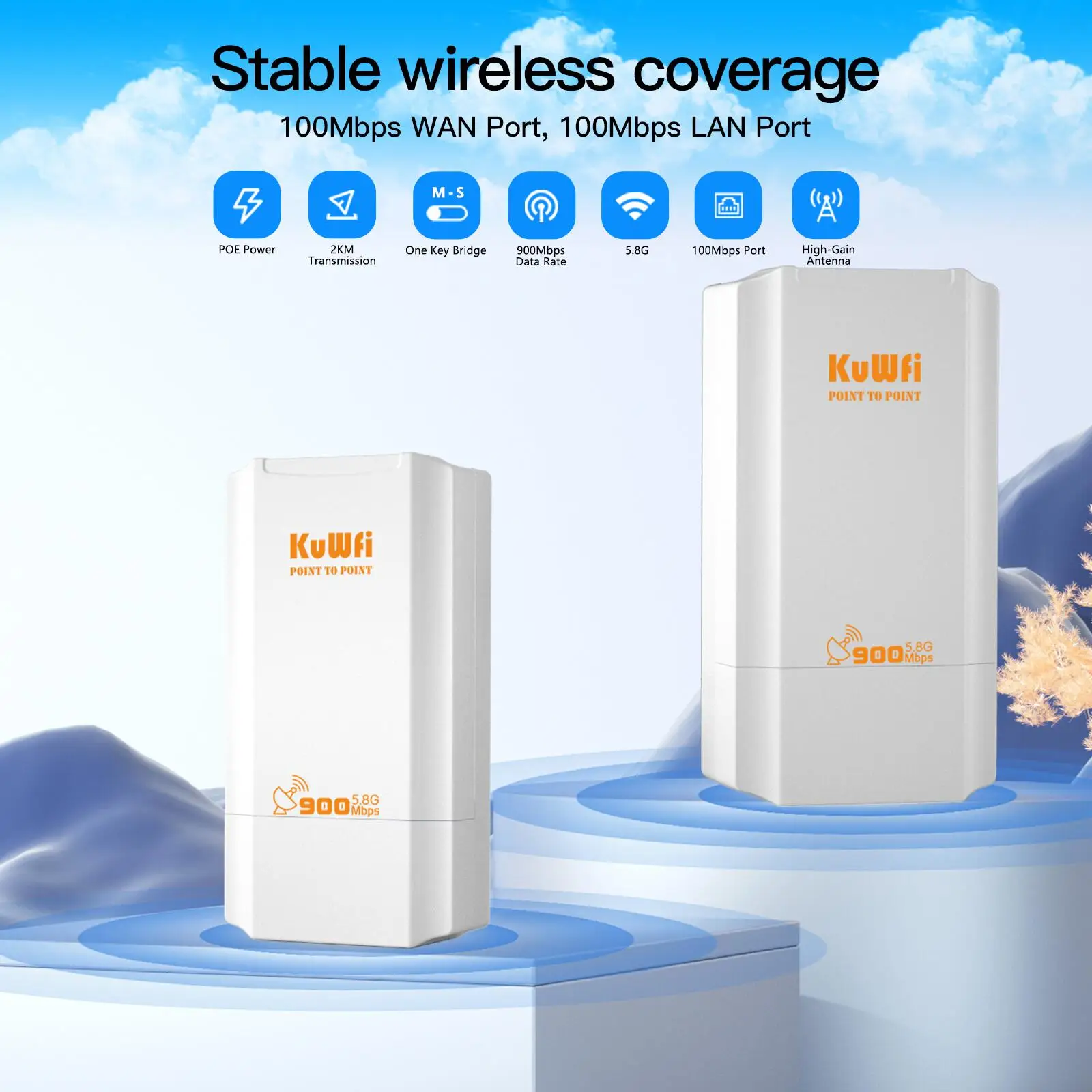
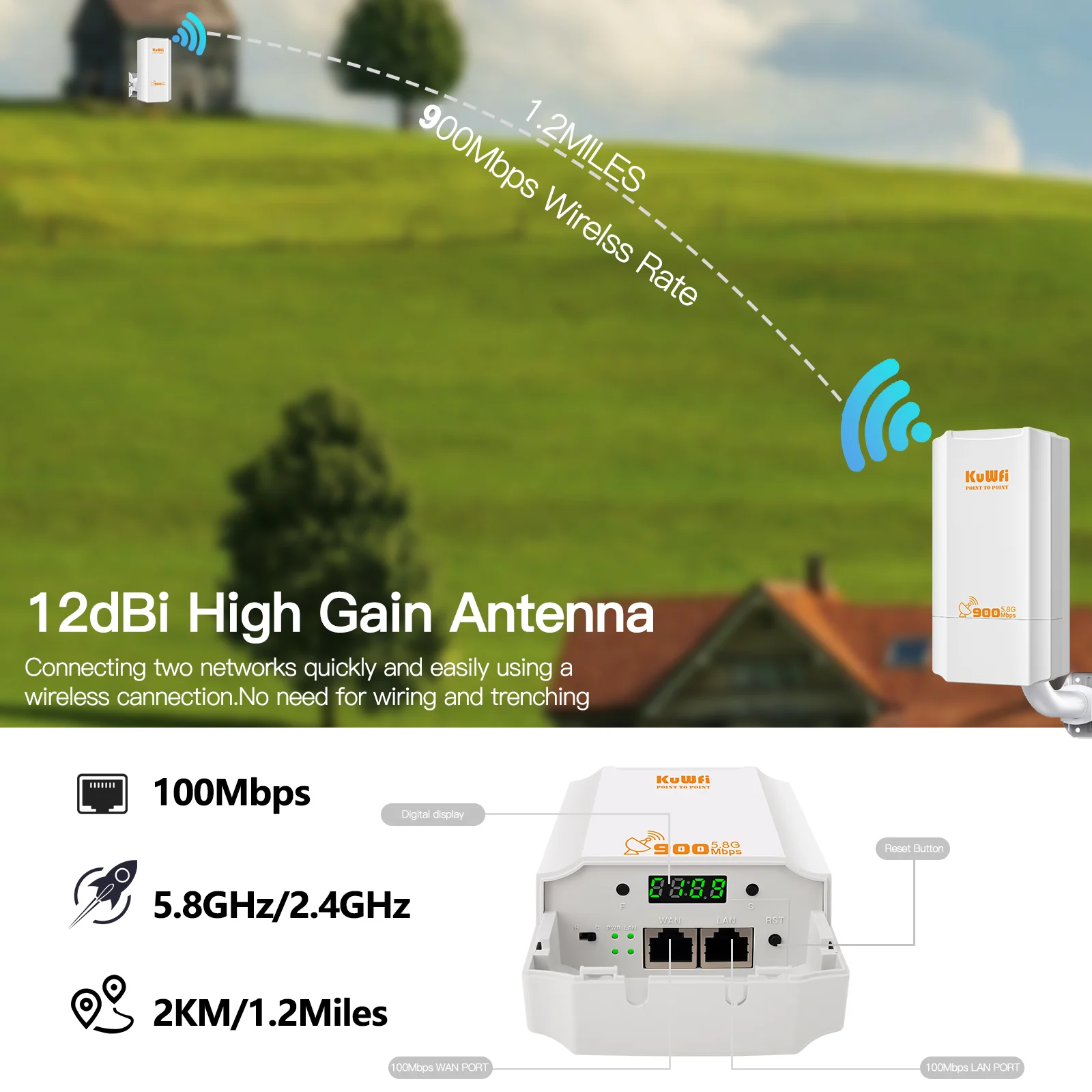
CPE131 is an economic 11ac outdoor CPE with 900Mbps data rate.Comply with IEEE 802.11b/g/n/ac standard, with 12dBi dual polarized high gain antenna, the PTP/PTMP distance Up to 2000 meters.
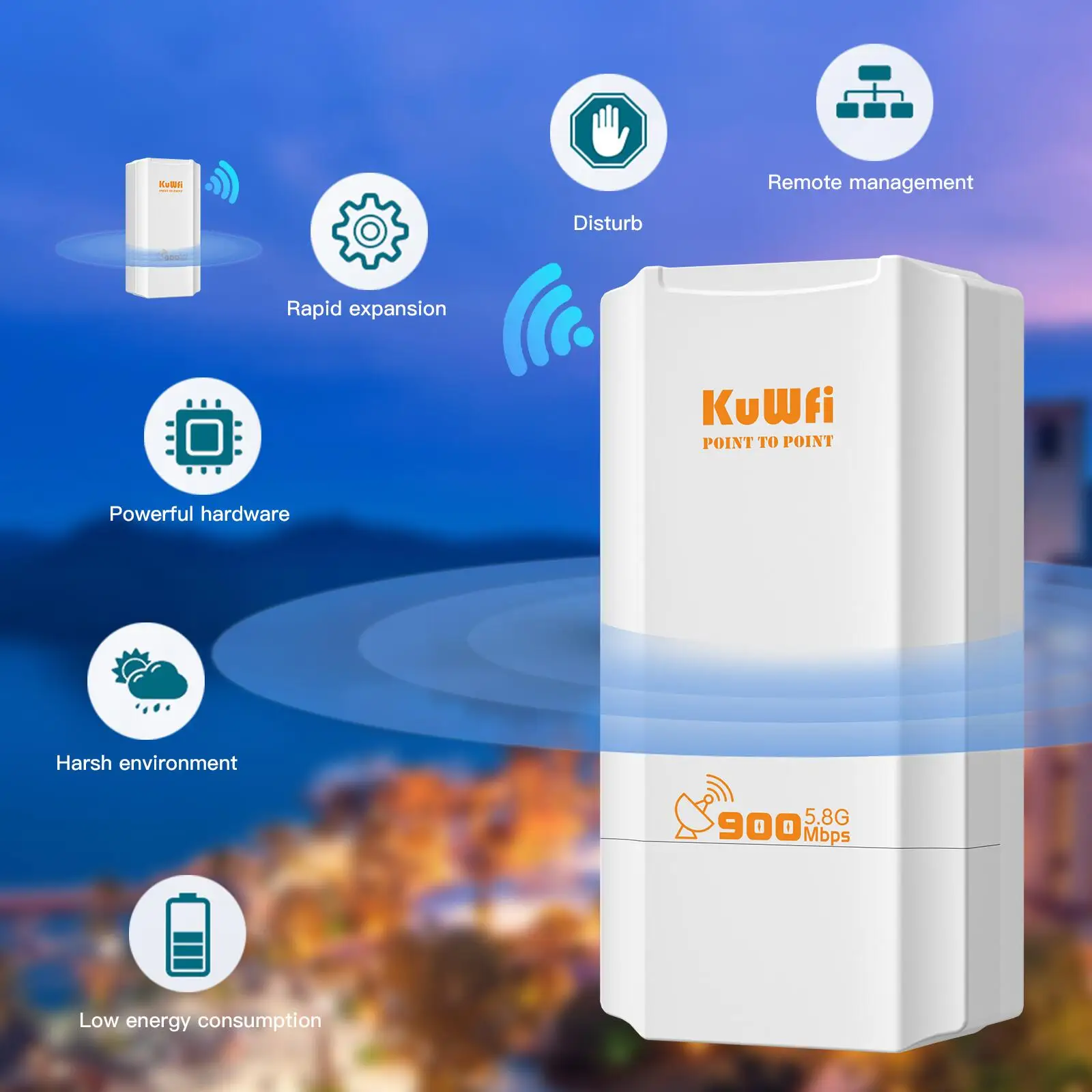
It support Wireless AP, Wireless Bridge operation mode for PTP/PTMP connections, with operation switch on device, easy to setup bridge operation mode, no need to access into GUI, avoid the complex setup program, then simple to view the connection status and signal strength by LED signal lights, save much human work and cost, make the long range wireless coverage, data transmit and wireless monitoring simple and professional.
1.900Mbps 5.8Ghz Outdoor CPE Bridge
The CPE Bridge 5.8GHz Wi-fi network maximum rate of 900Mbps.Two RJ45 100Mbps network ports(WAN/POE and LAN Port).
2.AP Mode and Repeater mode
The Wi-Fi Bridge supports universal AP mode and Repeater mode, with a wider range of user application scenarios.
3.Built in 12dBi antenna
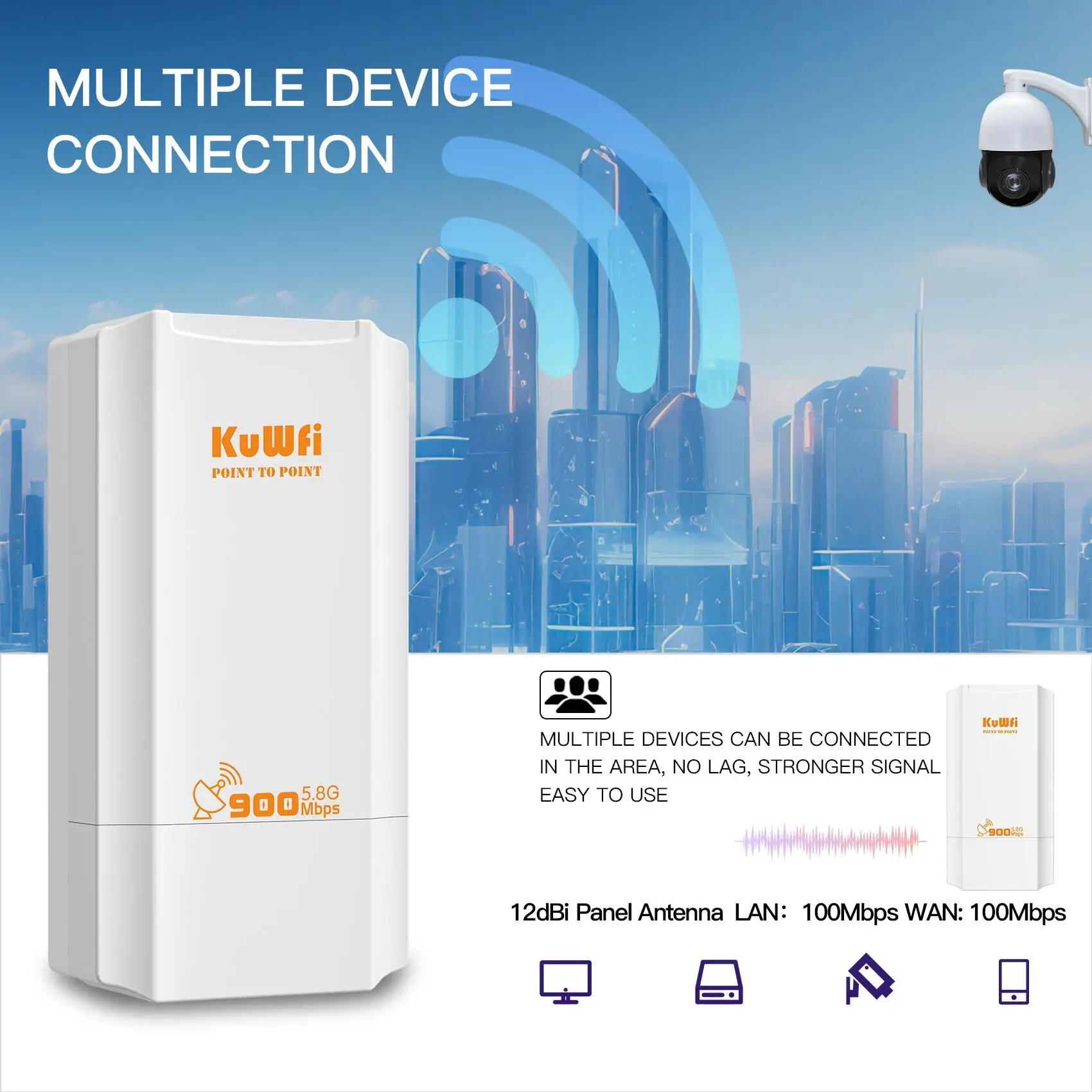
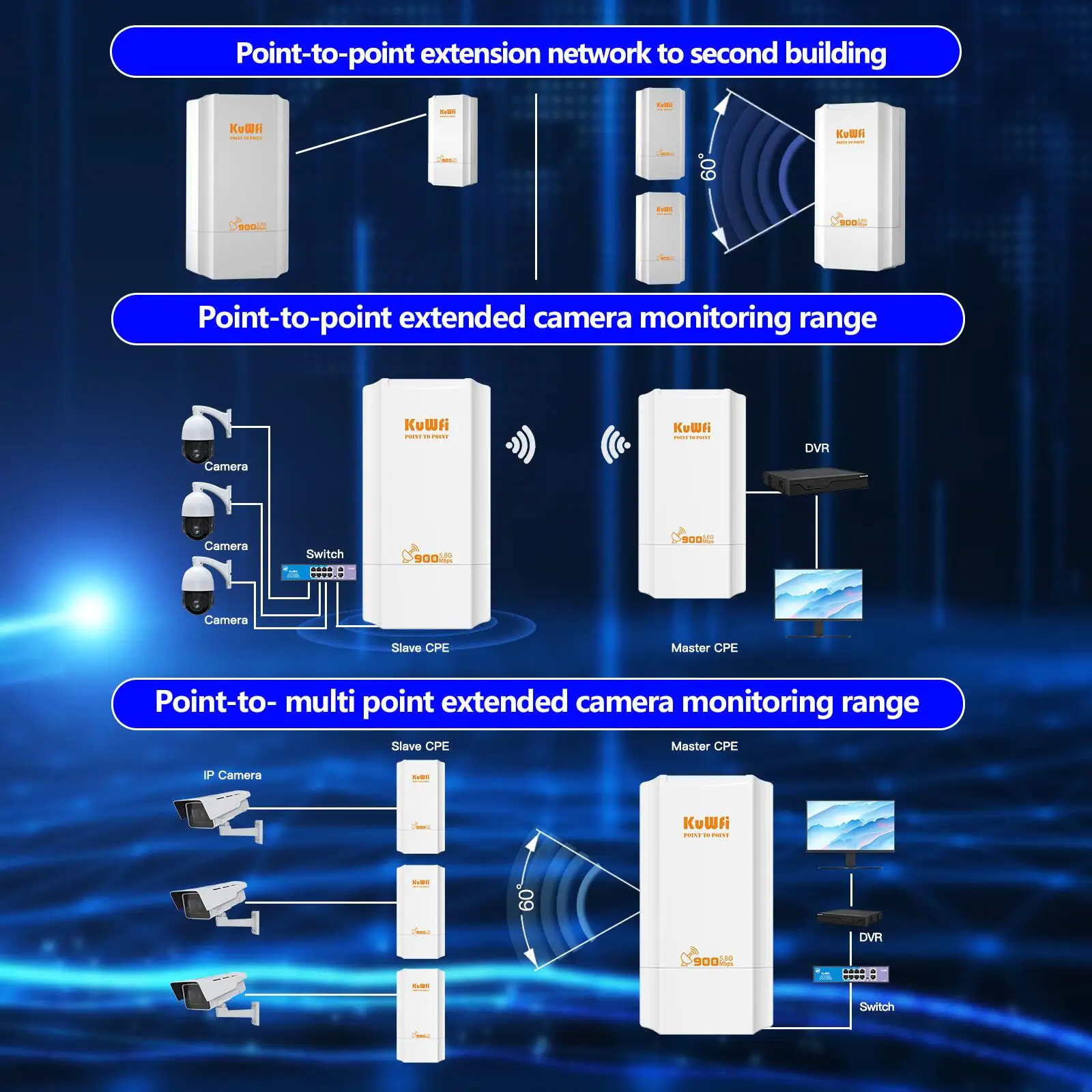
Built-in 12dBi Panel antenna, PTP/PTMP connect distance up to 2KM, very suitable for outdoor wi-fi camera monitoring.
4.Support One-click pairing
Through the buttons on the bridge, the two Bridges can be pairing with one click, eliminating the tedious pairing process.Realize point-to-point connection.One Master Bridge can be paired with multiple Slave Bridges.
5.Support 24V POE Power Supply
The CPE Bridge supports 24V PoE power supplyhe power supply mode of POE solves the problem that the network bridge can be placed remotely through the network cable.
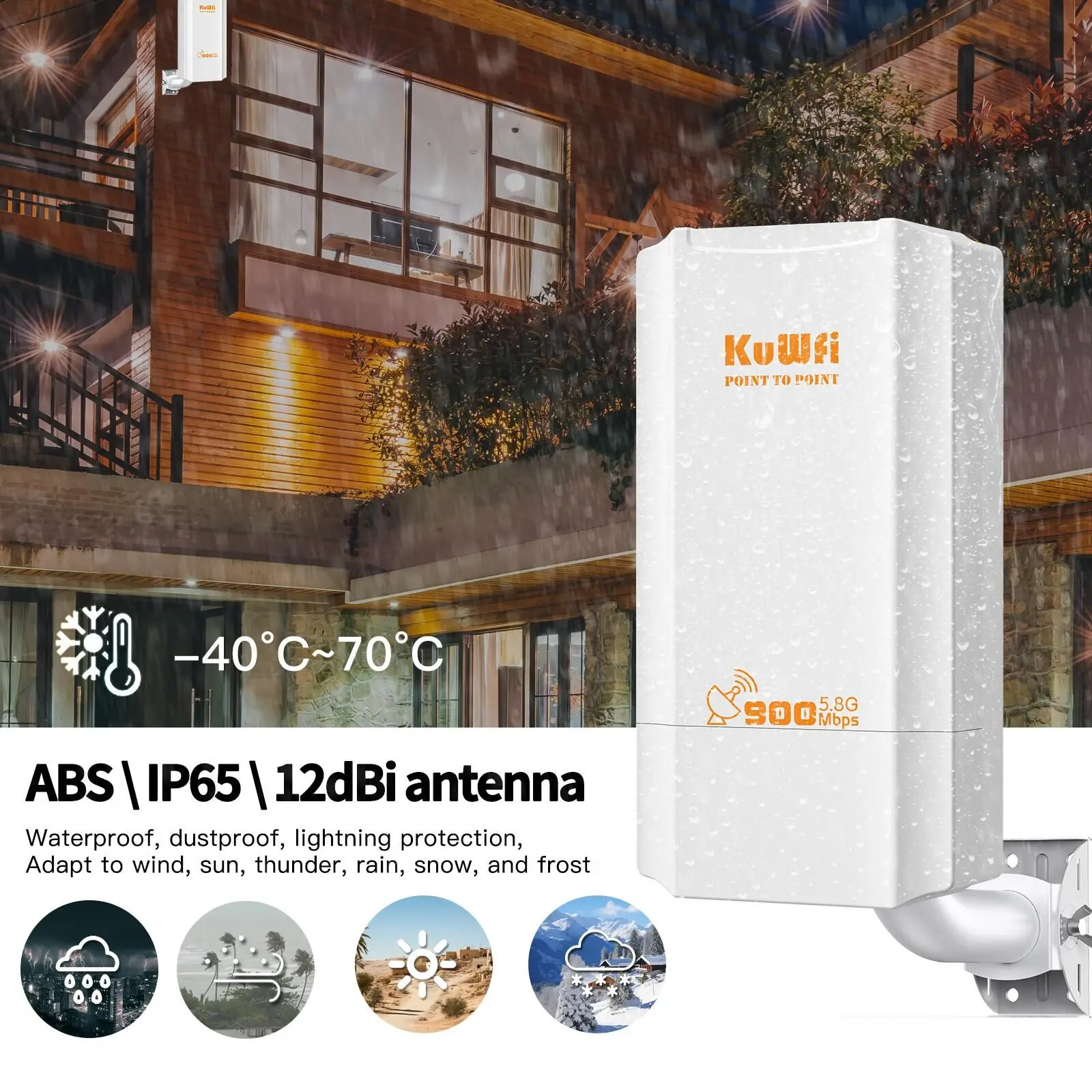
6.IP65 Outdoor Waterproof & 4KV Lightning Proof
Adopt outdoor ABS plastic shell, simple and elegant.Support professional 4KV lightning protection, IP65 water-proof, dust-proof, suit for multiple harsh environments.
Specification:
Chipset: MT7628DAN+MT7613AE
Memory: 64MB RAM
Flash: 8MB
Wireless: IEEE 802.11 a / n /ac,5.150GHz~5.850GHz
WiFi Rate: 900Mbps
WAN/POE Port: 1*10/100Mbps
LAN Port: 1*10/100Mbps
Antenna: 12dBi Panel Antenna
Outdoor Waterproof Level: IP65
Size: 168mm*88mm*47.6mm
Power: POE 24V/0.5A
Working Temperature: -30°C ~ 55°C
Storage Temperature: -40°C ~ 70°C
Humidity: 5%~95% (typical)
Packing list:
1/2pcs CPE Bridge
1/2pcs Ethernet Cable
1/2pcs POE Power Supply
1pc Quick Start Guide
Applications Case
I was looking for a wireless bridge to bring internet connection to my backhouse about 500 meter from the main house, which is too far for wifi range and too long to run the ethernet cable. I connected the adapter to the bridge using the ethernet cable on one end and the other end of the ethernet cable to the main house internet hub. I connected the other adapter to the other bridge using another ethernet cable for the backhouse. I like that the bridges can go very far, up to almost a mile without obstruction, which is ample for my need.