FDD:B1/B25(B2)/B3/B66(B4)/B26(B5/B18/B19)/B7/B8/B12(B17)/B13/B20/B28/B71
TDD:B34/B38/B39/B40/B41WCDMA:B1/B2/B4/B5/B8
EDGE:850/900/1800/1900
B1+B3/B26(B5/B18/B19)/B7/B8/B20/B28
B2+BB2/B5/B12(B17)/B13/B28/B71
B3+B3/B5/B7/B8/B19/B20/B28
B4+B4/B5/B12(B17)/B13/B28/B71
B5+B5/B7/B40/B66, B7+B7/B8/B20/B28, B8+B38/B40/B41, B12+B66, B13+B66,
B25+B25/B26, B26+B41, B40+B40, B41+B41, B66+B66/B71
Applicable to all countries and regions, such as Russia, the United States, Israel, South Korea, Spain, Brazil, Ukraine, France, Italy, the Netherlands, India, Nigeria, Switzerland, Kazakhstan, Poland, Ghana, etc.
Applicable to Europe, Africa, Asia, all countries and regions, such as Russia, Israel, South Korea, Spain, Brazil, Ukraine, France, Italy, Netherlands, India, Nigeria, Switzerland, Kazakhstan, Poland, Ghana, etc.
Q1: Can not recognize SIM card?
A1: Please insert the SIM card before powering up the device, otherwise the SIM card will not be recognised.You can insert SIM card into the router for one minute first,then turn on the power.And then log in web ui page to check the sim card.If still not recognized the SIM card,please install another SIM card from another SIM card operator.
Q2: The device can not connect to the Internet normally?
A2: You need to disable the PIN code and modify the APN. Please log in web ui to fill in correct APN.About APN ,you can call your sim card operator to check.APN setting refer web, www.apn.how
Q3: My router's Internet speed is slow, how can I improve it?
A3: Buyers can log in to the WEB UI page and adjust the network mode of the router, which is recommended to be set to "4G Only". If you use it indoor, it does not have external antenna,so it may not be favorable for the router to receive outdoor signals.
Q4: Can this router work in my country?
A4: The router not support Spain Digi SIM Card.Other SIM Card refer.If you are not sure whether it can work in your country,you can consult the seller or research it here before you place the order.Check SIM card web,www.frequencycheck.com.
Q5: Why can't 4G+ network speeds reach 300Mbps?
A5: Router's 4G+ chipset top capacity is 300Mbps, and 4G+ base station's theoretical top speed is 300Mbps too. However the 4G+ base station provide service to many 4G+ users at the same time,instead of giving full 300Mbps bandwidth to one user,and 4G+ signal strength, SIM card limitation and environment would affect the network speed too
Q6: Why the internet speed slower when the SIM card is inserted into the router than in the phone?
A6: Please don't compare the speed of our router to the speed of a cell phone. Our product uses a cheaper 4G chip than a cell phone 4G chip and has a different design scheme, so it is not comparable.
Q7: Wrong or forgotten WIFI password?
A7: Users need to keep the router on, then press the reset button for 10-15 seconds and wait for the router to reboot, the router will restore the initial Wifi password.
Q8: Why doesn't the indicator light come on when the unit is powered on and won't start?
A8: We recommend that users check the voltage in their homes to see if it is normal. Try to change another power outlet or DC 12V power supply and try again.
Description:
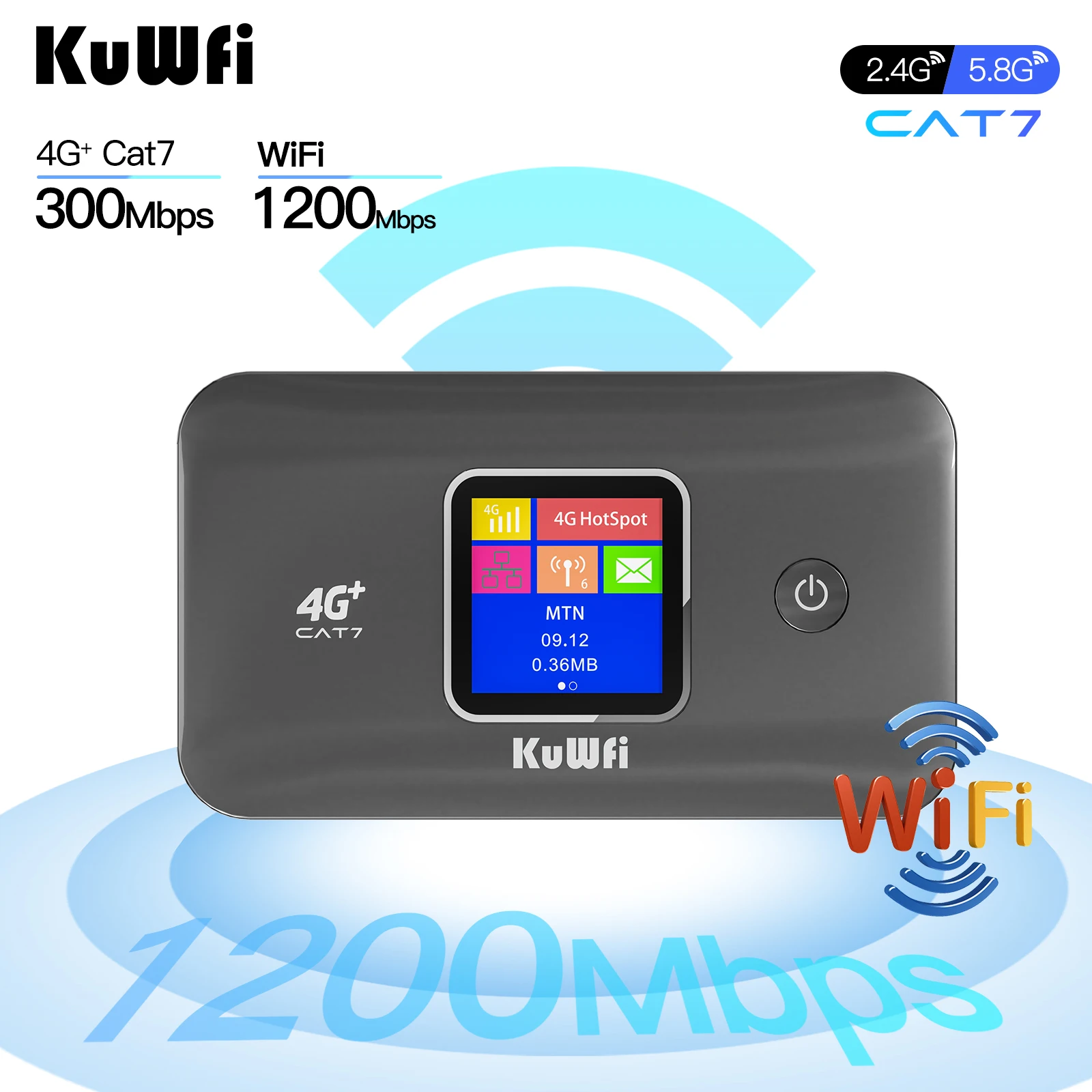
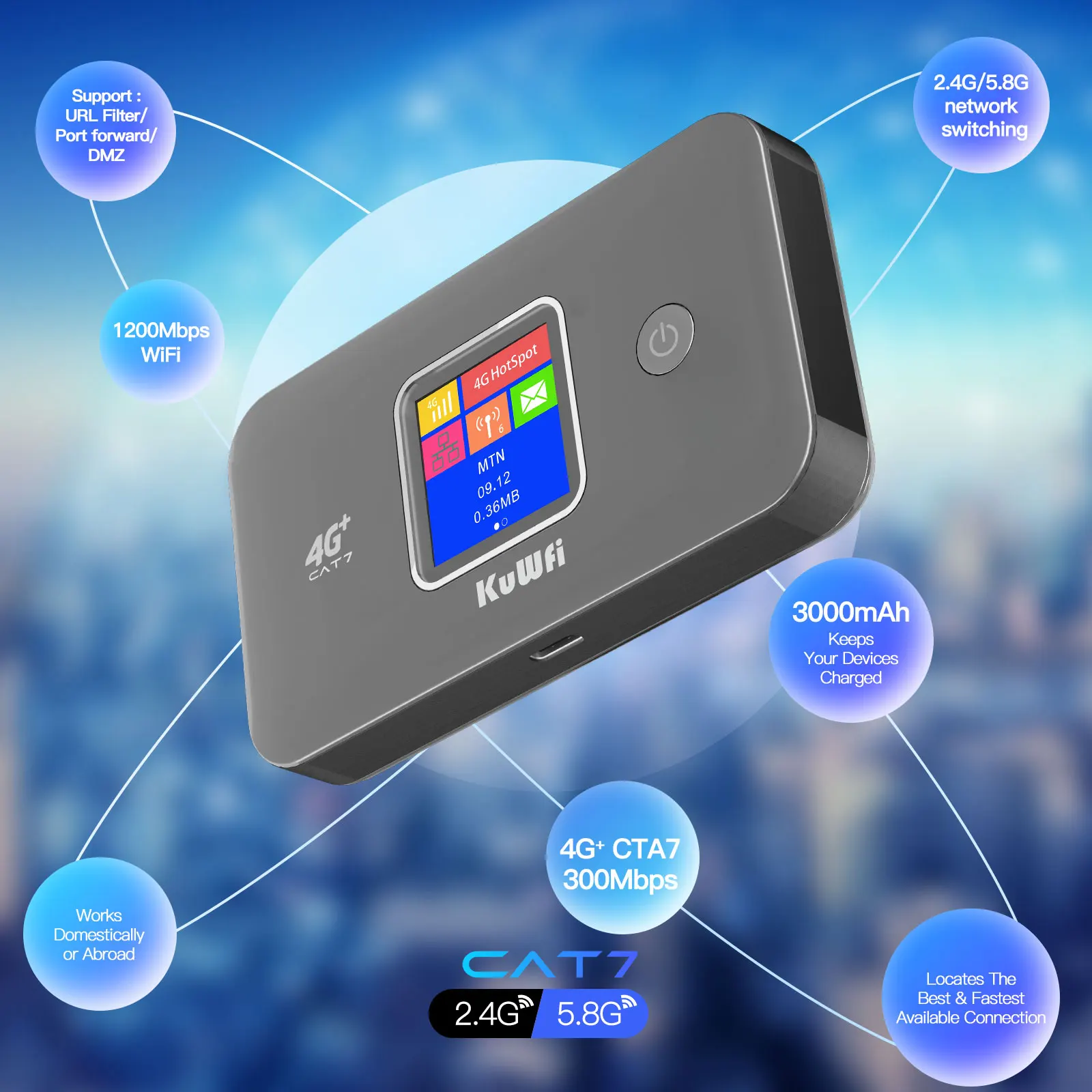
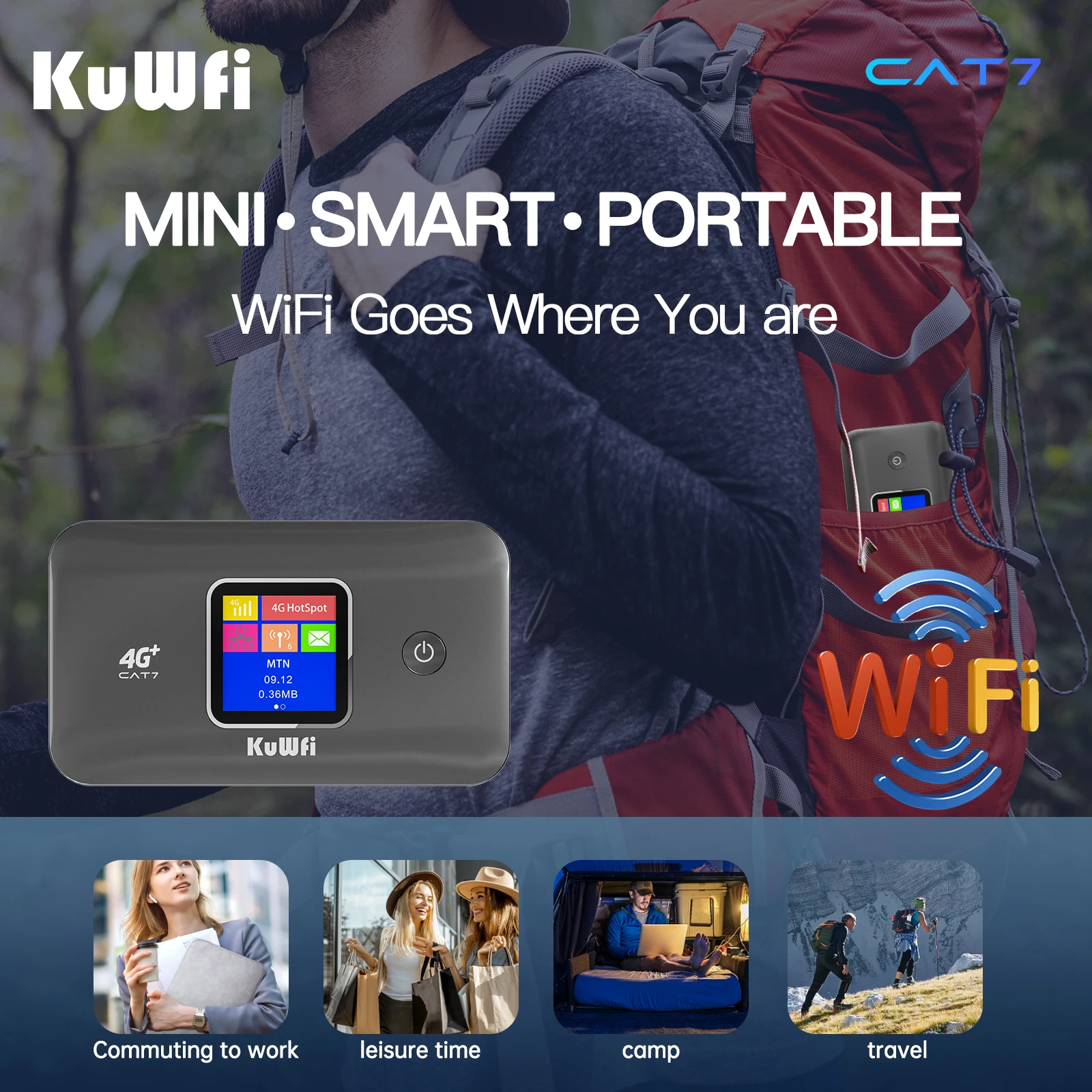
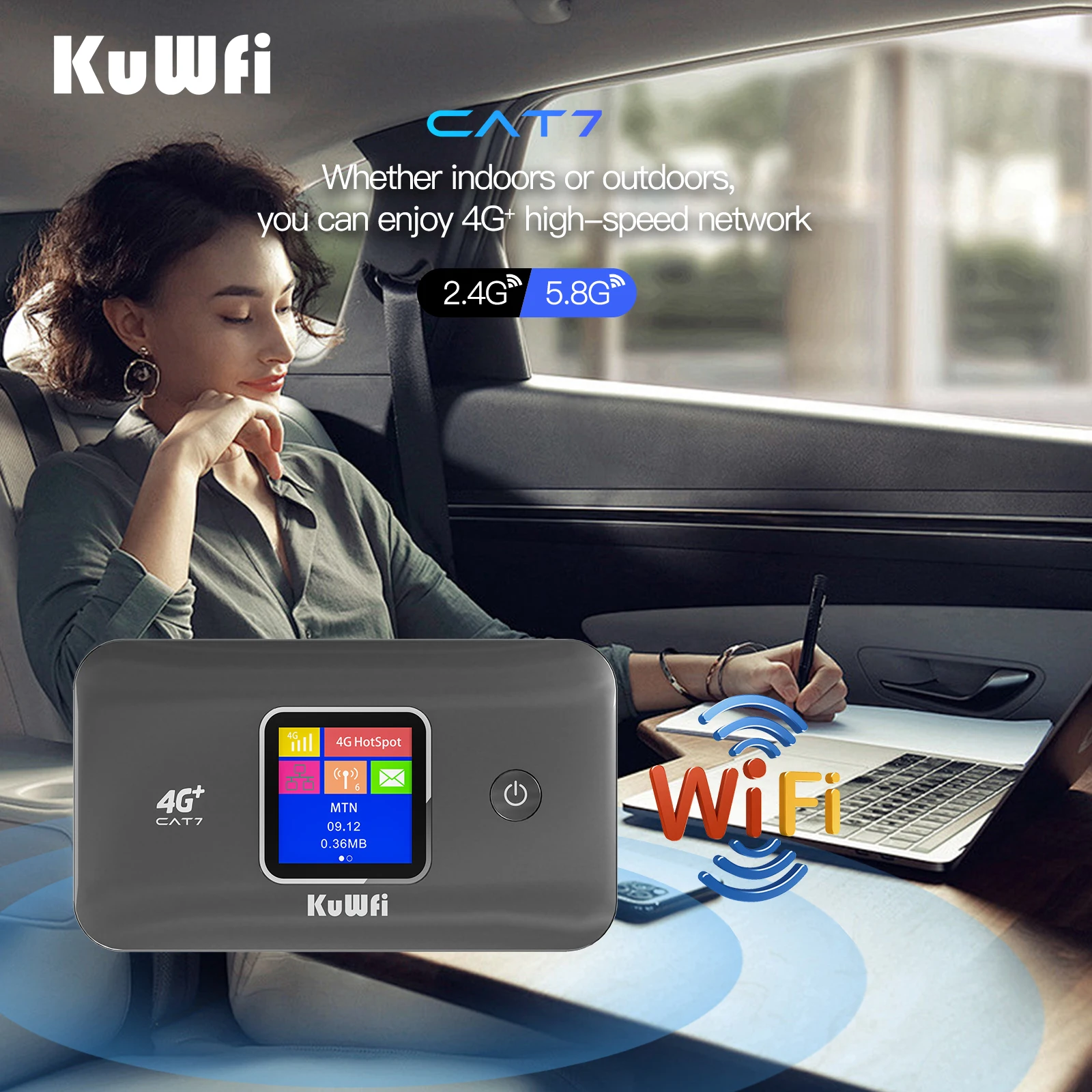
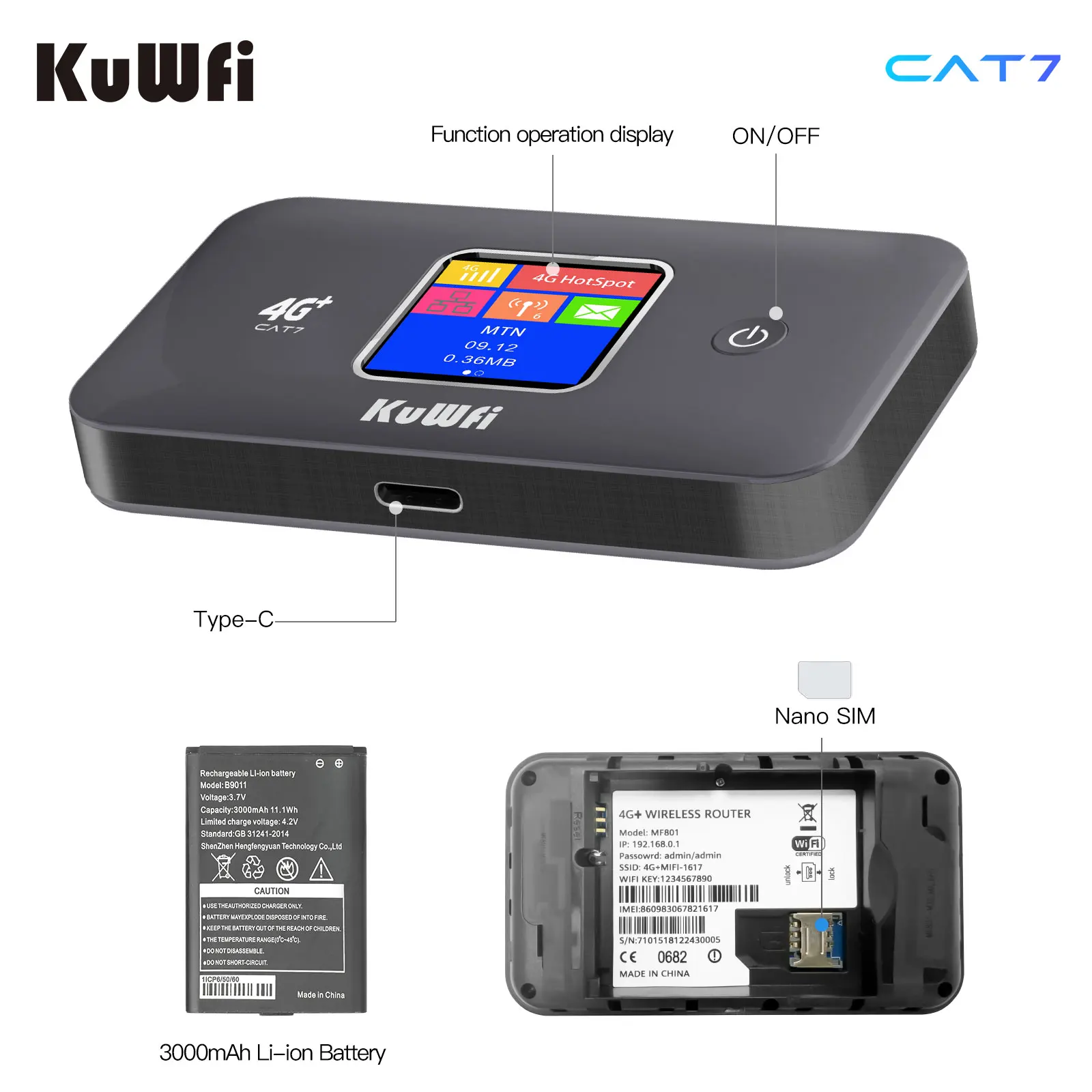
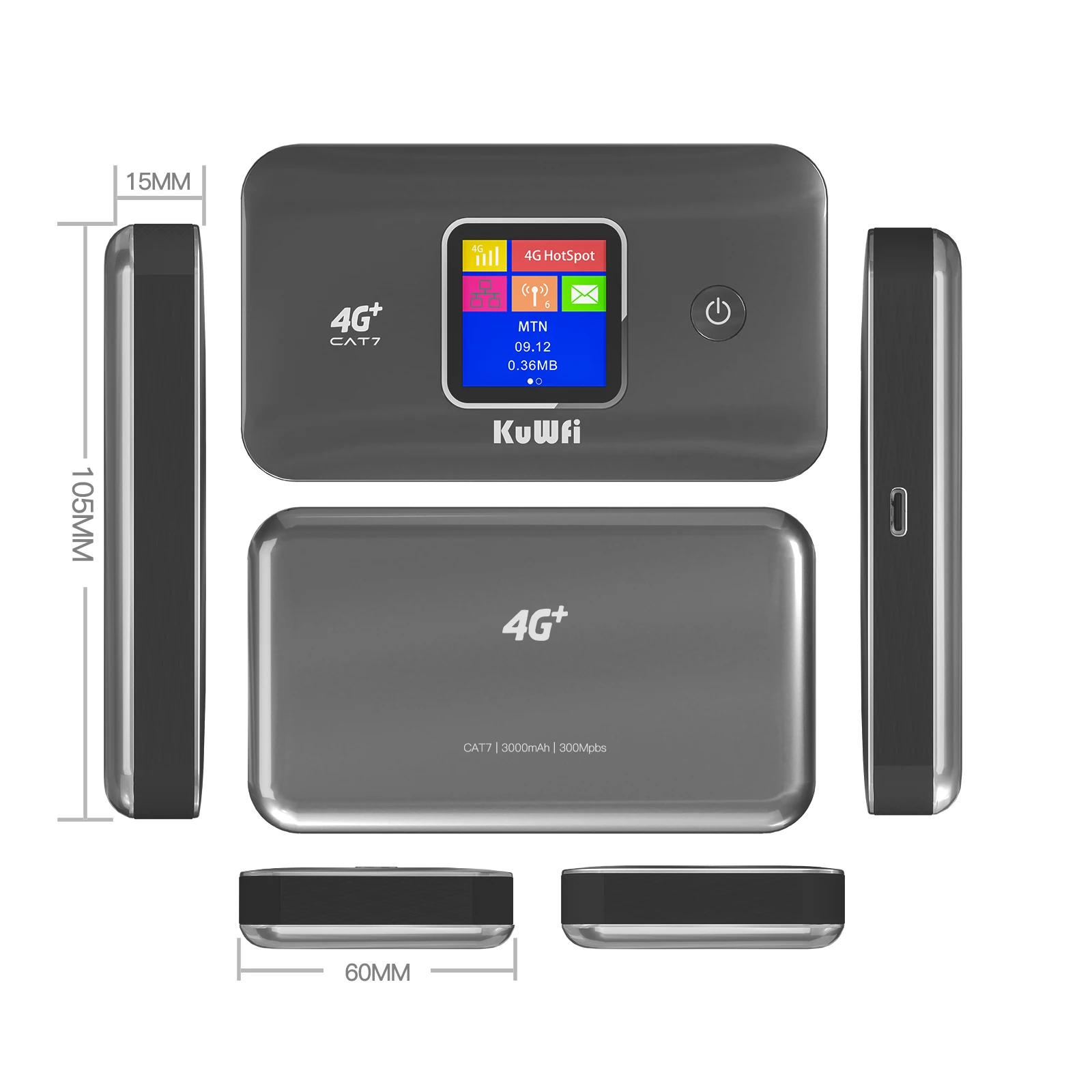
KuWFi MF801 is a CAT7 4G+ portable mobile router.The router comply with IEEE 802.11b/g/n/ac standard, the total Wi-Fi rate up to 1200Mbps. Support 2.4GHz/5GHz Single Wi-Fi,2.4Ghz Wi-Fi rate up to 300Mbps,5GHz Wi-Fi rate up to 866Mbps.With a removable 3000mAh battery and Nano SIM slot.With its portable nature, it allows users to access the Internet anytime and anywhere when user go out on a trip.
CAT7 300Mbps 4G+ LTE Mobile Router
The CAT7 mobile router provides you with stable 300Mbps 4G+ network. 4G+ MAX download speed: 300mbps; MAX upload speed : 86Mbps. (Since carriers limit network speed, it's normal for you to get less than 300Mbps.)
802.11ac 1200Mbps 2.4GHz/5GHz Single Wi-Fi:
The router comply with IEEE 802.11 b/g/n/ac standard.Providing 2.4GHz or 5GHz single band wireless Wi-Fi, 2.4GHz up to 300Mbps Wi-Fi rate, 5GHz up to 866Mbps Wi-Fi rate.Users can switch the 2.4GHz or 5GHz WiFi mode in the Wi-Fi settings. 2.4GHz is suitable for medium-range transmission and 5GHz for short-range transmission.
Removable 3000mAh Battery
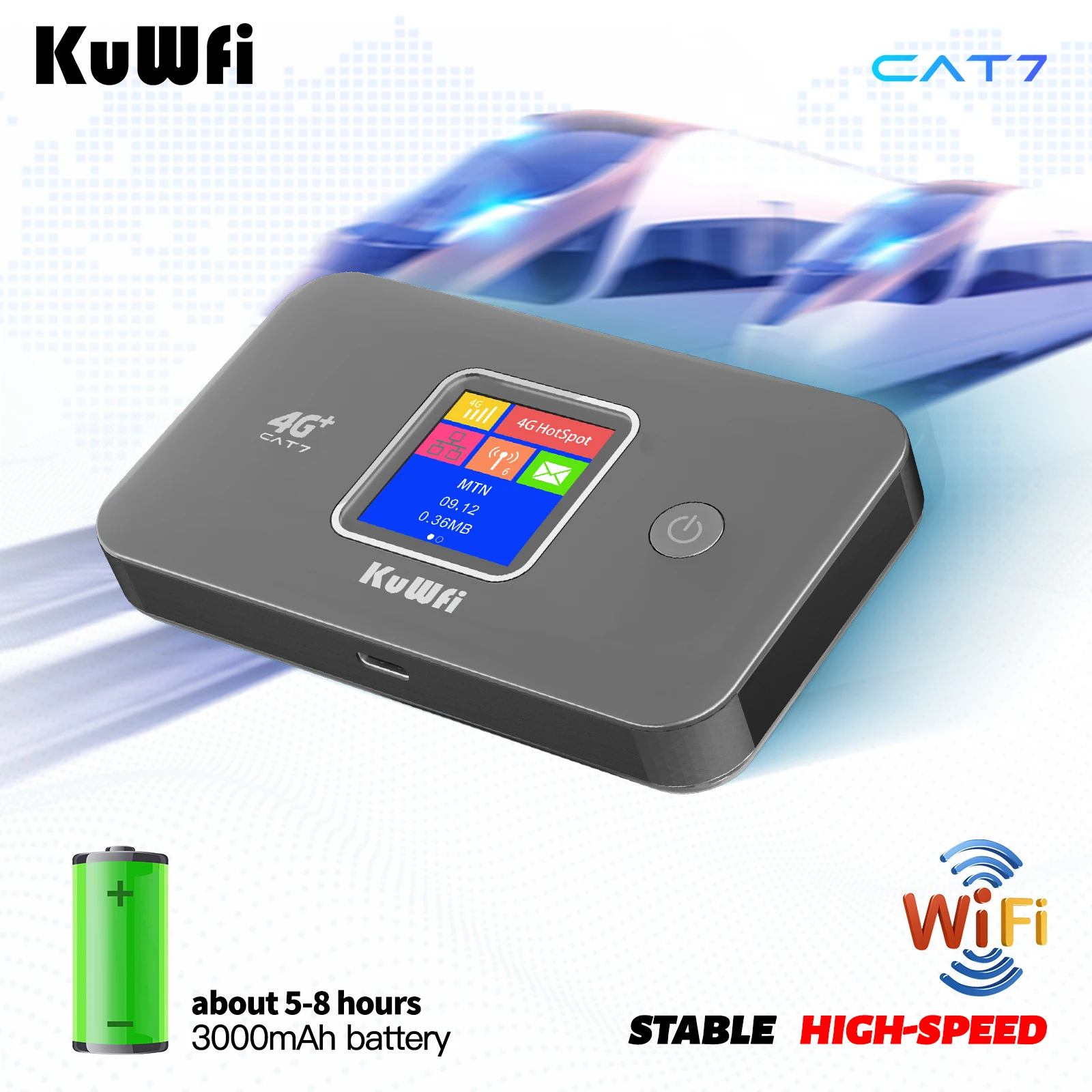
The router have a removable 3000mAh Li-ion battery, it can provide 5-8 hours of Internet access working time or 12-15 hours Internet standby time(Depending on the network environment).Enjoy WiFi anytime and anywhere.
4G+ Signal to Wi-Fi Signal
The CAT7 4G+ Router supports the conversion of 4G+ network to Wi-Fi signal.It is a portable 4G+ LTE Modem,provide stable Wi-Fi hotspot. Access to the Internet anytime, anywhere.
Plug and Play
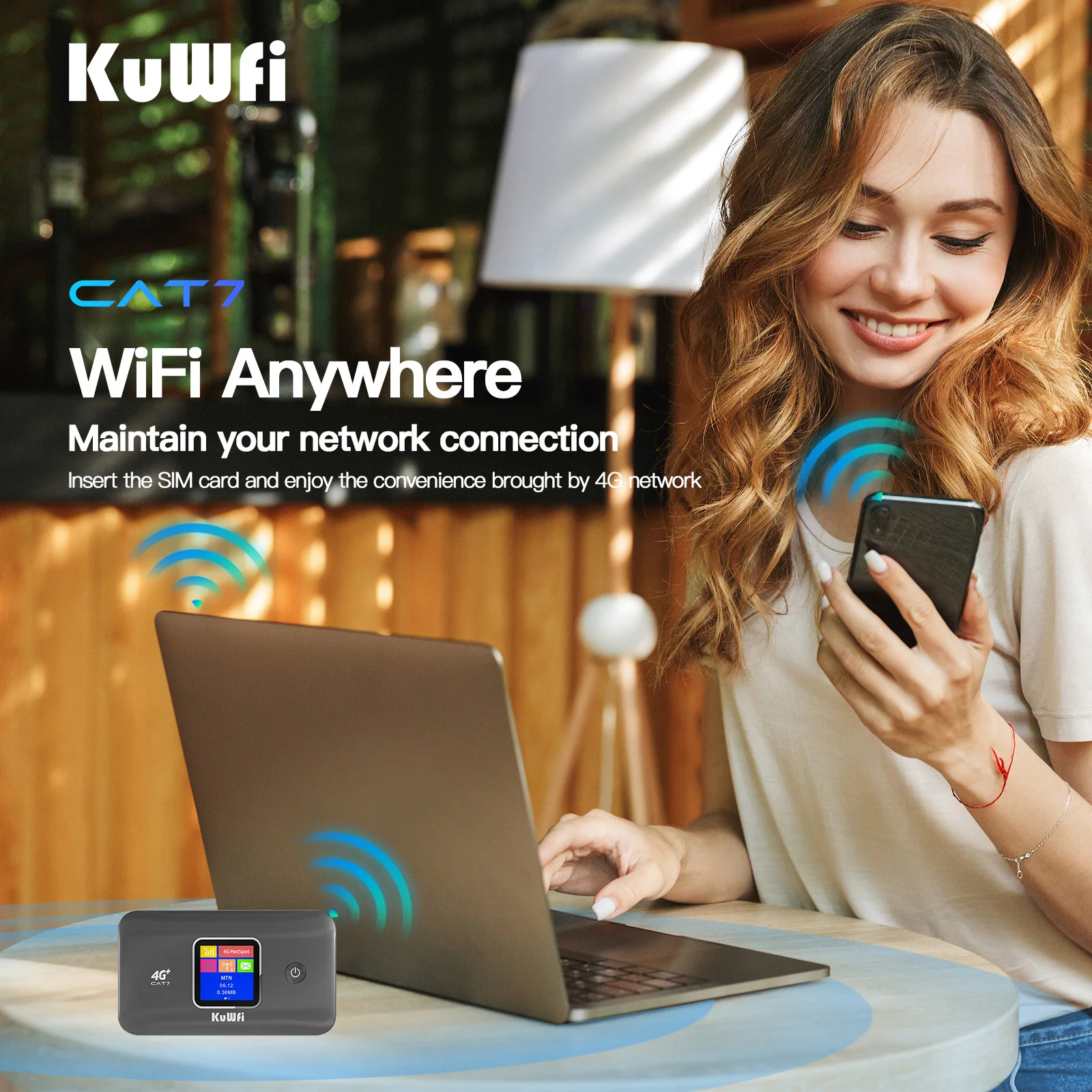
When you insert the SIM card, you can instantly access the Internet anytime and anywhere. (Some SIM cards need to log in to the Web UI of the router and configure the APN information before they can access the Internet.Refer APN Info. Web: https://apn.how)
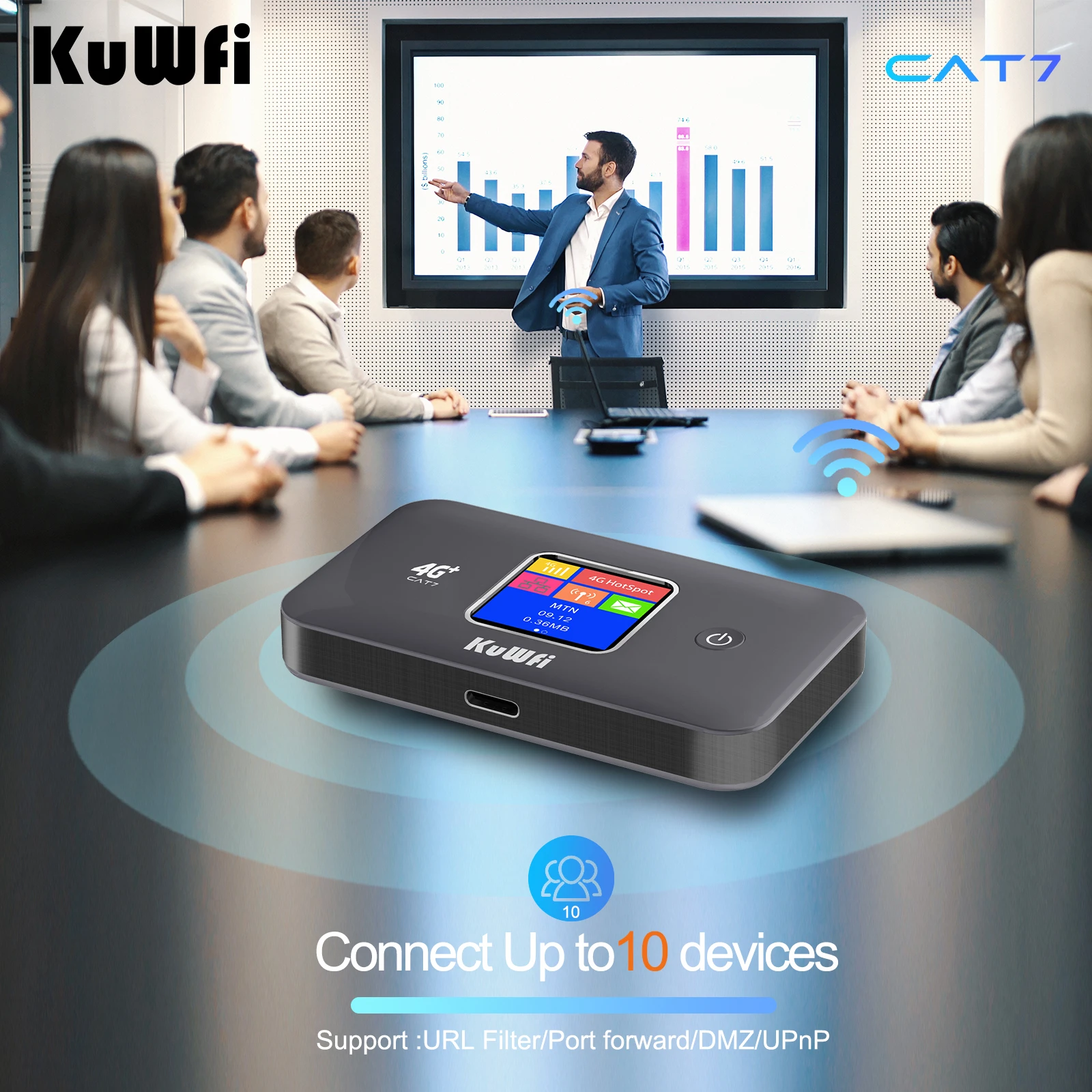
Support 10 User/Devies Connect at the Same Time
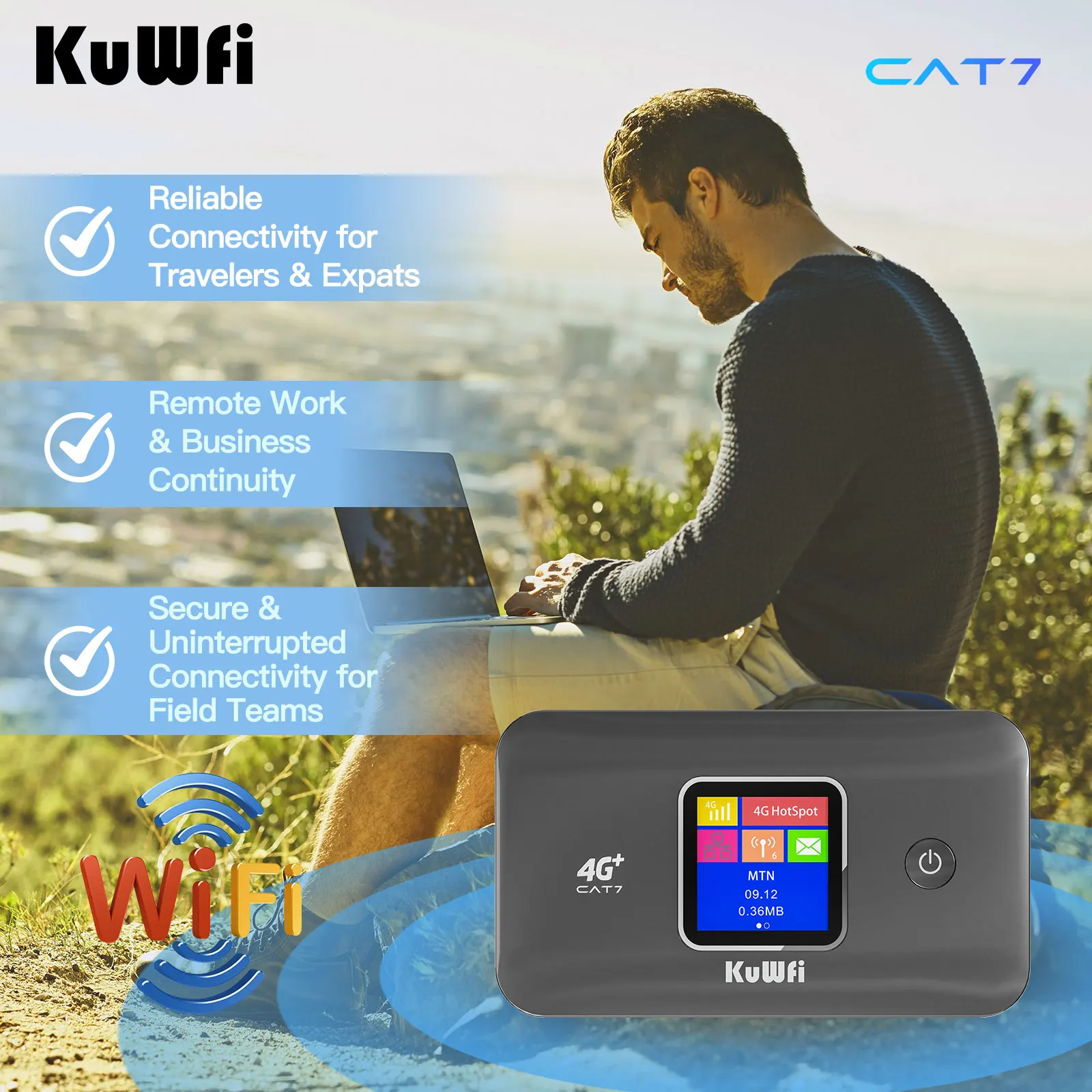
The router supports up to 10 simultaneous users/devices, making it the best choice for wireless access in high-density, high-bandwidth environments such as homes, stores, restaurants and businesses.
Support for Multiple Devices
It can connect to mobile phones, televisions, cameras, computers, etc.Solve the problem that devices need network.
Specification:
CPU Chipset: M676X
Wi-Fi Chipset: MT6631
Memory: 8GByte EMMC+512MByte DDR3
CAT7 4G+ Data Speed: DL up to 300Mbps, UL uo to 86Mbps
Wi-Fi Band: 2.4GHz or 5GHz,802.11 b/g/n/ac;
Wi-Fi Speed: 2.4GHz up tp 300Mbps, 5GHz up to 866Mbps
Encryption: Wi-Fi Protected Access™ (WPA/WPA2)
MAX. Connection Number: 10 Devices/Users
SSID Name: 4G-MiFi-XXXX(last 4 digits of the MAC address)
Wi-Fi Password: 1234567890
Gateway: http://192.168.0.1
Log in Username: admin
Log in Password: admin
Language: Chinese / English
Battery: 3000mAh,Usually 3.7V, Max charging voltage 4.2V
Battery Maximum power consumption: 4W
Battery Maximum Working Time: 5 to 8 Hours (Depending on the network environment)
Battery Maximum Standby Time: 12 to 15 Hours (Depending on the network environment)
Type C to USB: 1.5A Charge IN
SIM Card Slot: 1*Nano SIM Card Slot
Reset Button: Restore factory default settings
Working Temperature: 0℃-- 35℃-(32℉- 95℉)
Non-working Temperature: -20℃- 45℃- (32℉ - 95℉)
Relative Humidity: Non-condensation status 5% - 95%
LCD Display:
1.44 inchs, 128x128 resolution, to show signal strength, network mode, operator logo, battery level, charging status, unread messages, SSID, WiFi password, the statistics.
Technical Specifications:
LTE FDD-TDD: 3GPP Release 9,Category 7,up to 300M DL and 86M bps UL@20MHz bandwidth
DC-HSPA+: 3GPP Release 9,up to 84.4Mbps DL ,category 28; up to 11.5Mbps UL, category 7
HSPA+: 3GPP Release 10,up to 63.3Mbps DL, category 29; up to 11.5Mbps UL, category 7
HSPA: 3GPP Release 6, up to 7.2M bps DL,category 7/8; up to 5.76Mbps UL, category 6
UMTS: 3GPP Release 4, up to 384 Kbps DL and UL
EDGE: 3GPP Release 4, Multislot class 12, up to 237 Kbps and 118Kbps UL
GPRS: 3GPP Release 4, Multislot class 10, up to 85.6Kbps and 42.8Kbps UL
Package Listing:
1x MF801 CAT7 4G+ Router
1x Charging Cable
1x English User Manual